Overview
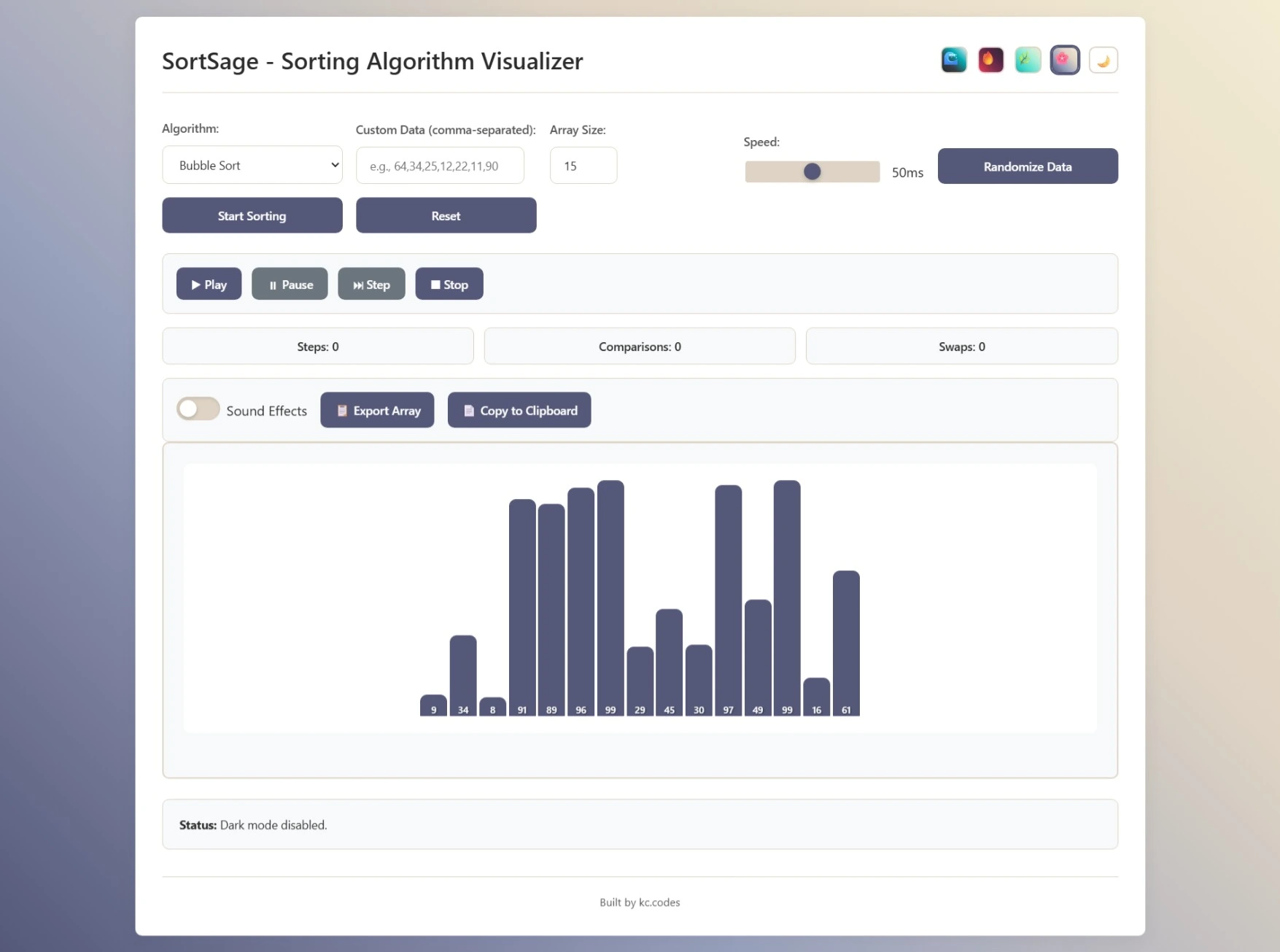
SortSage is a modern, interactive web app that visualizes various sorting algorithms through lively animated bars. With theme switching, speed controls, and detailed algorithm steps, SortSage offers an intuitive and educational experience for learners and enthusiasts.
Features
- Multiple sorting algorithms: Bubble, Selection, Insertion, Merge, Quick, Heap, Tim Sort.
- Color-coded visualizations show active, compared, swapped, and sorted elements using distinct colors.
- User controls for animation speed, array size, and reloading random arrays.
- Displays real-time metrics: swaps, comparisons, and execution time.
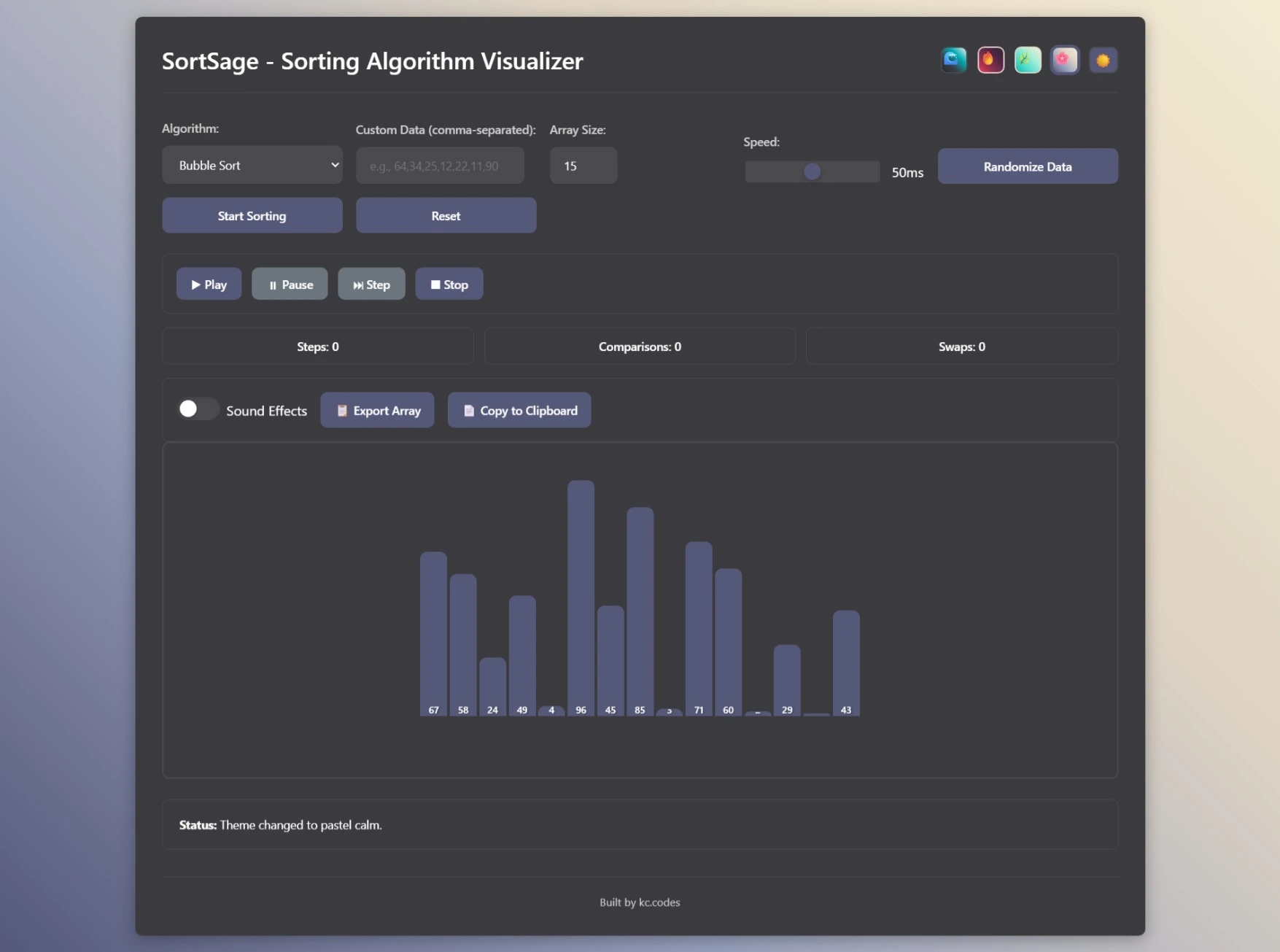
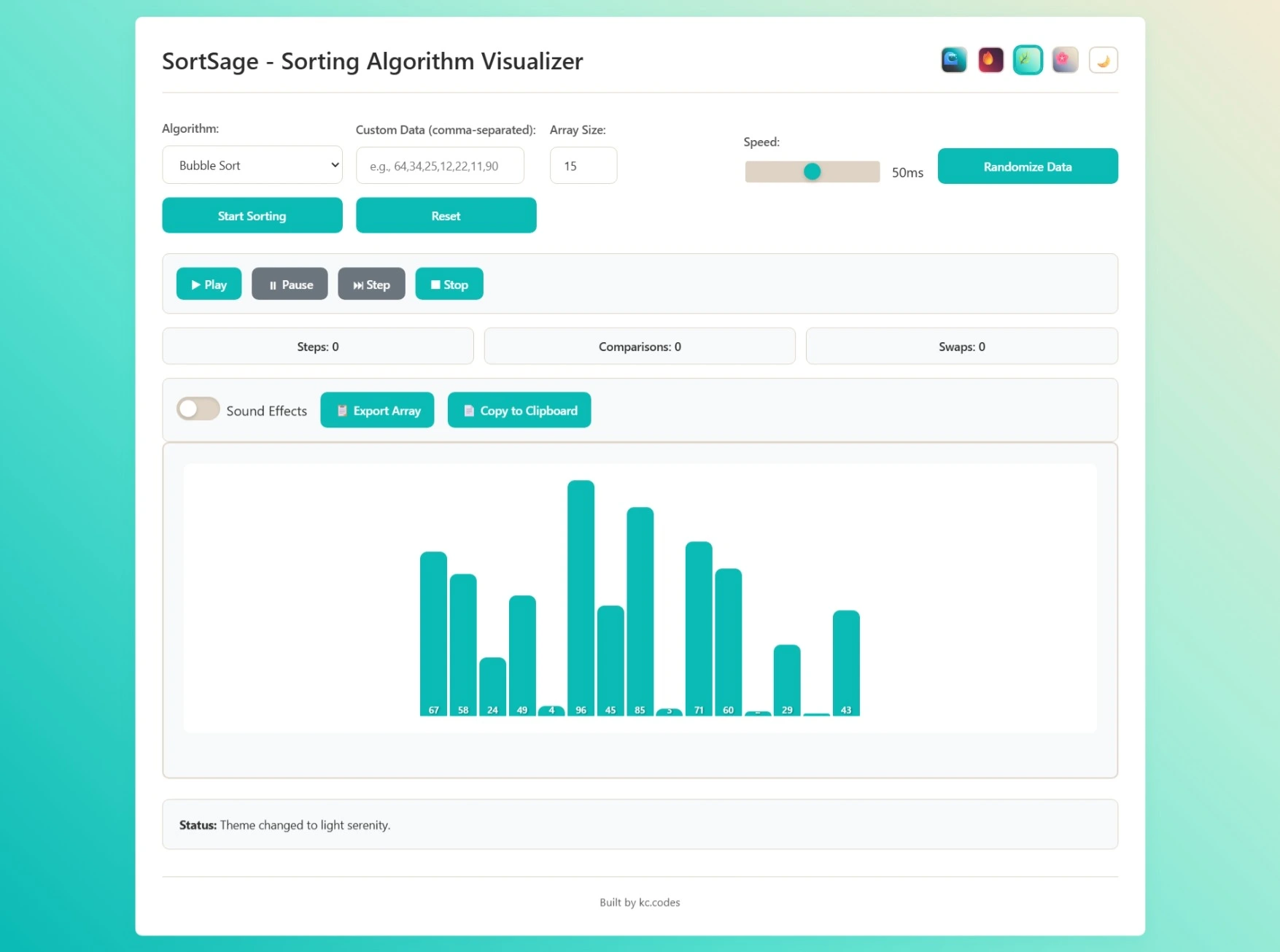
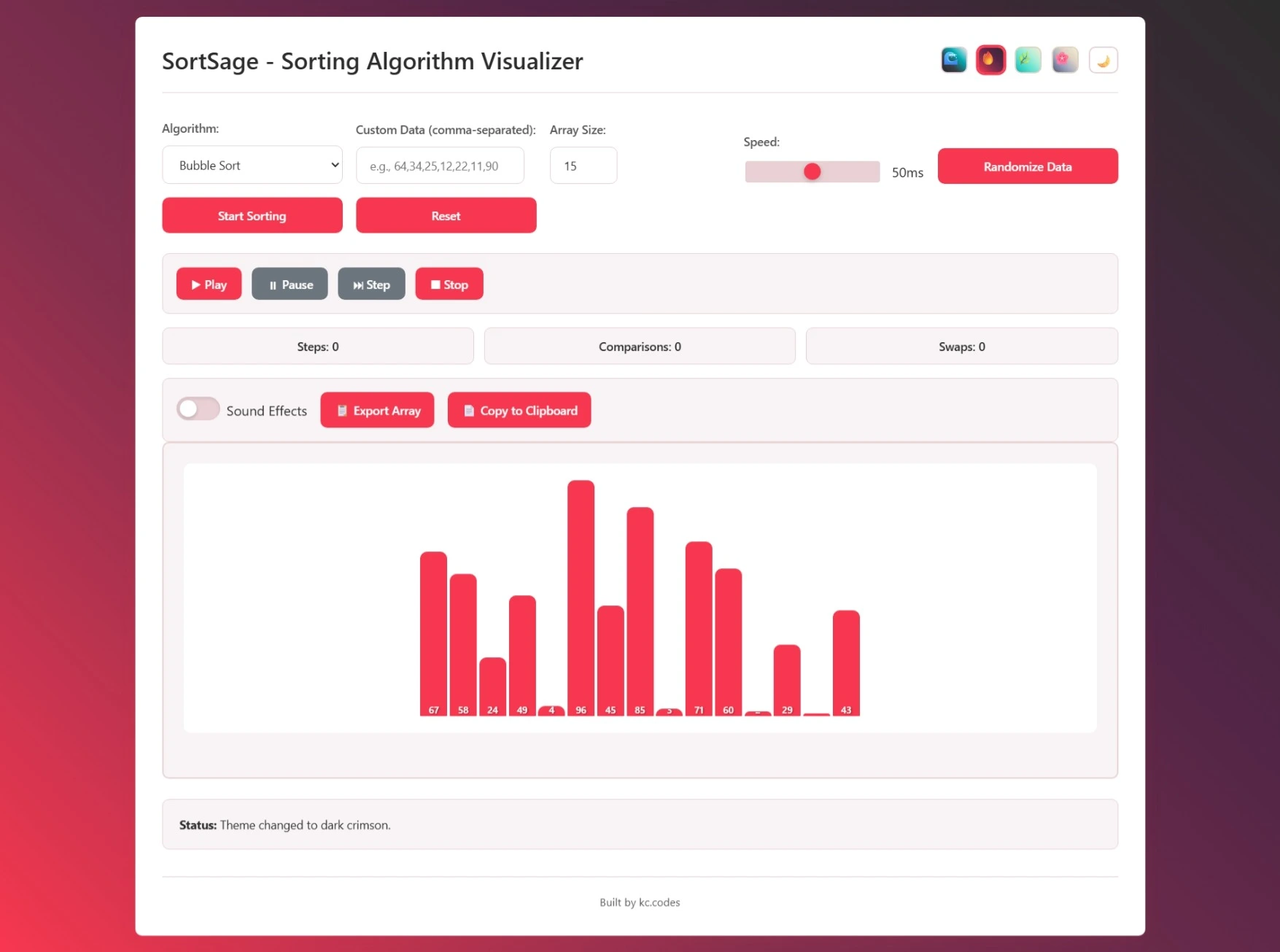
- Light and dark theme support for comfortable viewing.
- Carousel with algorithm descriptions for learning context.
Technologies
- Frontend: HTML5, CSS3, Bootstrap, JavaScript
- Design pattern: clean MVC separation
- Responsive and minimalistic UI
How to Use
Simply select the sorting algorithm and click ‘Start’ to watch the sorting occur visually. Adjust speed and size to experiment with different array lengths and see the inner workings of classic algorithms unfold.
Future Plans
- Add more algorithms and user-input array support
- Deep analytics and comparison charts
About this Post
This post is written by Kaustubh Chauhan, licensed under CC BY-NC 4.0.